GUIDE · NPI 3.0 · CHECKED ON NPI 3.0.2.3
NPI 3.0 vs 2.4: what moved, what's new, what's gone
NPI 3.0 (first build 23 Mar 2026, first stable 3.0.2.1 on 5 Jul 2026) is a full rewrite with a new interface: four themes, search that also finds hex IDs, a filter that chooses which setting sources are shown, a rebuilt Bit Editor, merge or replace imports and a built-in updater. Upgrading does not touch your driver profiles. The default view shows only the curated list, so some entries you knew from 2.4 are hidden until you turn on more sources in the filter.
Where did it go? (2.4 to 3.x map)
We have no screenshot of the 2.4 main window on a real driver, so we do not show a side-by-side. The table maps features instead, using the labels our lab captured in 3.x. LAB · F12 to F17
| In 2.4 | In 3.x | Note |
|---|---|---|
| Show unknown settings toggle | Filter flyout, setting source options | Default is Common (CSN) only. Turn on Driver API, Driver Constants, Reference or Predefined Scan. |
| Toolbar icons | Toolbar: Defaults, New, Delete, Copy, Bit Editor, Export, Import, Refresh, Reset, Apply Changes | Labels as captured in 3.0.2.1. |
| Export menu | Export dialog with five cards | Current profile only; including predefined; select profiles; all customized; all profiles in NVIDIA text format. |
| Import | Import dialog, plus Replace or Merge | Opening a .nip on the command line imports and exits. |
| Restore defaults for a profile | Defaults button, asks "Restore profile to NVIDIA driver defaults?" | Per profile. |
| Restore every profile at once | Not found in the 3.x window | See the gone-or-hidden section. |
| Settings with Unknown names | Filter, Add setting ID to name | Hex IDs are searchable. |
The README describes -showOnlyCSN as only customized settings. The code limits the setting sources to the curated list and does not filter by modified value.
CODE · upstream facts
What’s new in 3.x
Themes, density and backdrops
The Appearance flyout lists four themes (Midnight, Dark, Slate, Clean White), two densities (Modern, Compact) and four backdrops (Mica, Mica Variant, Acrylic, Disabled). LAB · F13
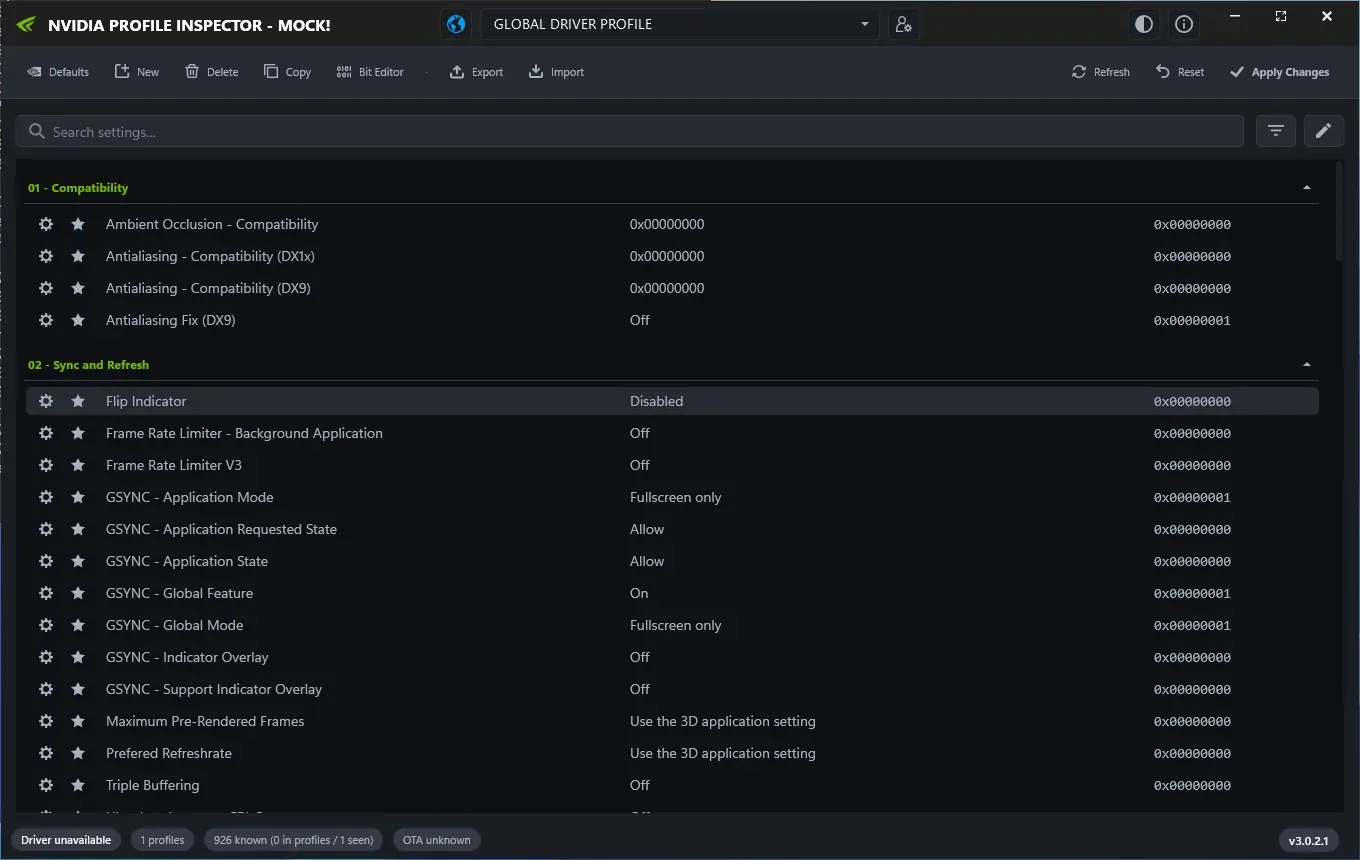
The Midnight theme (demo mode, no NVIDIA GPU).
Lab Windows Server 2025 · build 26100 · no NVIDIA GPU · NPI 3.0.2.1 · 2026-11-08 LAB · UI · NO NVIDIA GPU (mock mode)
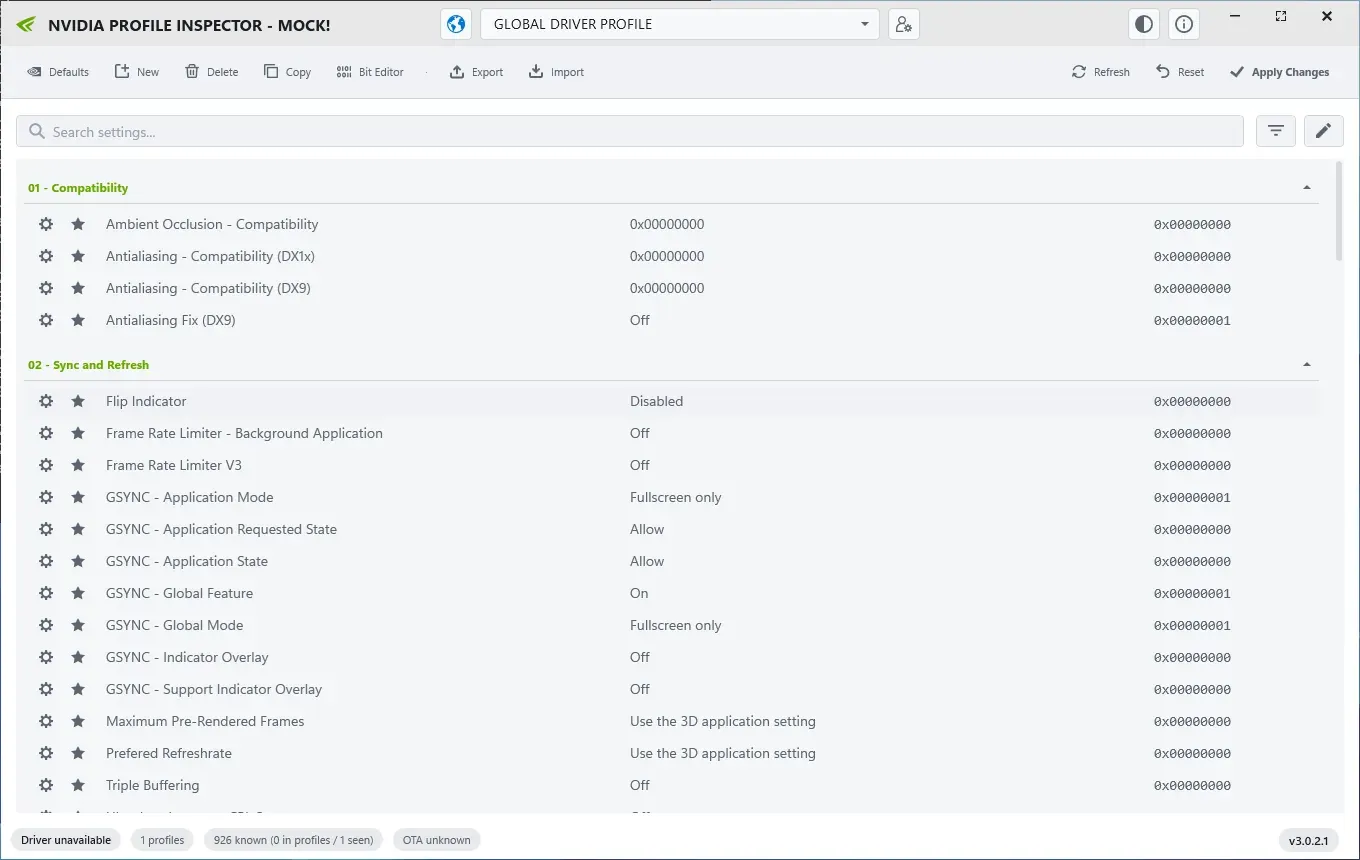
The Slate theme (demo mode, no NVIDIA GPU).
Lab Windows Server 2025 · build 26100 · no NVIDIA GPU · NPI 3.0.2.1 · 2026-11-08 LAB · UI · NO NVIDIA GPU (mock mode)
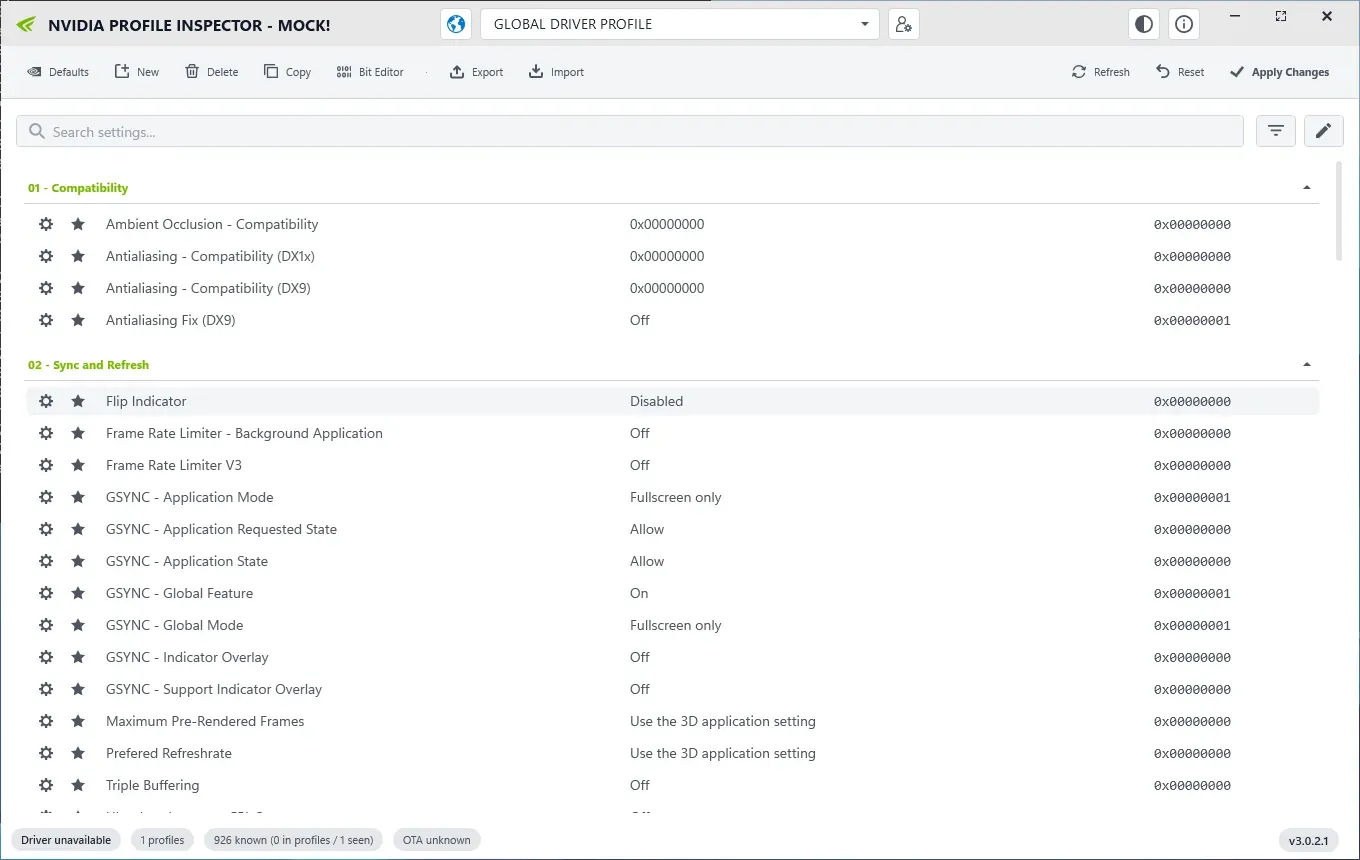
The Clean White theme (demo mode, no NVIDIA GPU).
Lab Windows Server 2025 · build 26100 · no NVIDIA GPU · NPI 3.0.2.1 · 2026-11-08 LAB · UI · NO NVIDIA GPU (mock mode)
Setting sources filter
The filter flyout chooses which sources provide names and values. Default is Common (CSN) only. LAB · F14
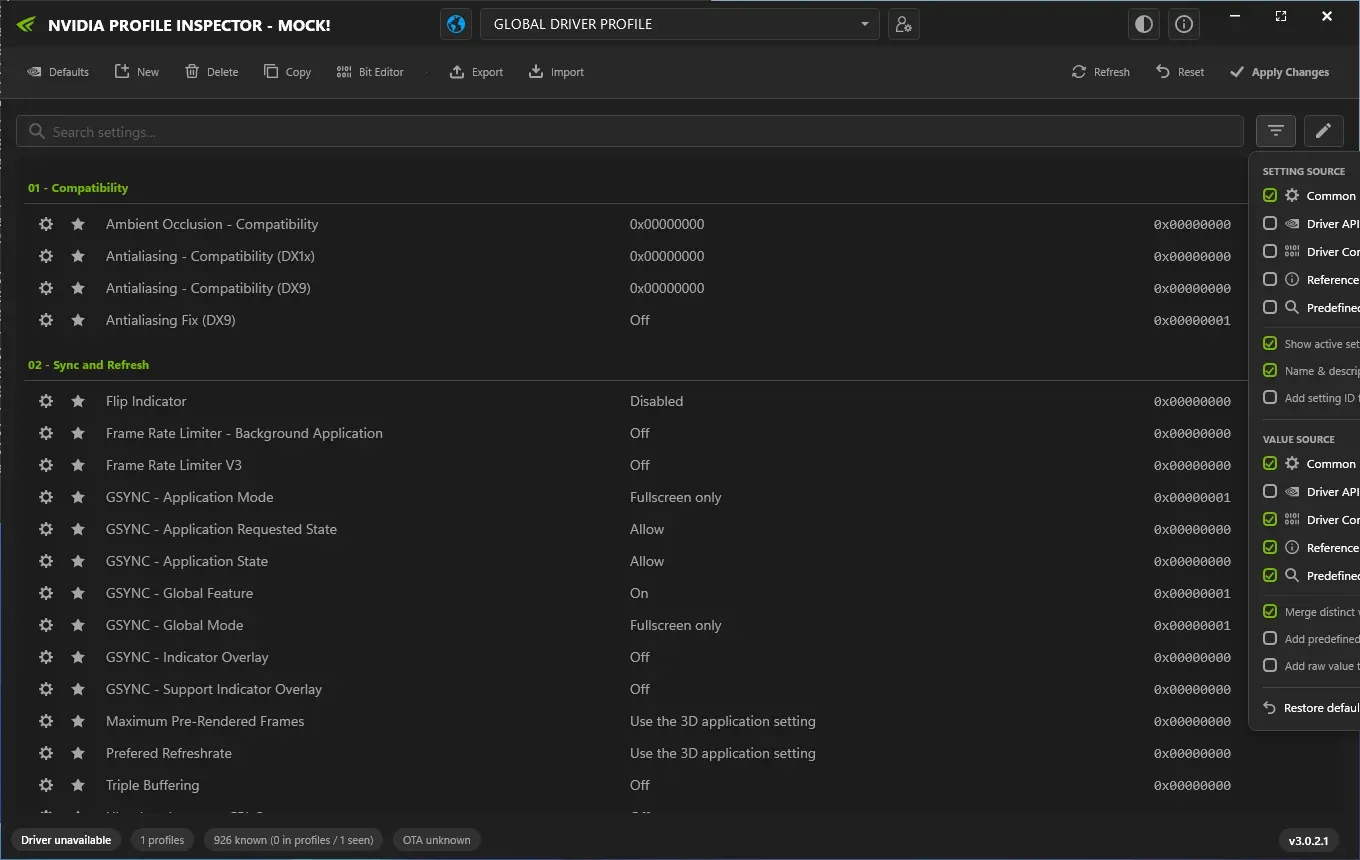
The filter flyout. Only Common is ticked for Setting source in the default view; more sources show more settings (demo mode).
Lab Windows Server 2025 · build 26100 · no NVIDIA GPU · NPI 3.0.2.1 · 2026-11-08 LAB · UI · NO NVIDIA GPU (mock mode)
Search by name and hex ID
Typing 0x10835002 finds Frame Rate Limiter V3, and dlss lists 24 named entries.
LAB · F15
Bit Editor
One row per bit with a checkbox, a profile-name filter and a Test Area that applies a value and launches a game exe. It opens only when a setting row is selected. LAB · F17
Import and export
A .nip file on the command line imports and exits. With a copy of NPI already open, a second start hands the file to the open window. LAB · F21, F22 Command line has the switches.
Updater and channels
The About dialog has a Release and a Pre-release channel. On Release, 3.0.2.1 reports it is current. On Pre-release it offers 3.0.2.3. LAB · F35
Status bar and shortcuts
The status bar shows the driver version and profile counts. Shortcuts are Ctrl+S to apply, Ctrl+R to refresh, Ctrl+F to search and Esc to clear the filter. CODE · upstream facts
What’s gone or hidden
- A driver-wide restore-everything action is not in the 3.x window as far as we found. We could not confirm this against a real driver. Undo and reset lists the routes that exist.
- Entries outside the Common list are hidden by default. Turn on more setting sources to see them.
- Searching
fpsfinds nothing in 3.0.2.1. Searchframe rate. LAB · F15
Known 3.x problems
Reports on the project’s issue tracker include rBAR size-limit errors and a search bar that closes unexpectedly. We list them as reported and have not reproduced them. See NPI not working and NPI error messages.
Should you upgrade?
| Your situation | Advice |
|---|---|
| Current NVIDIA driver, current Windows | Upgrade. 3.x names the newest settings. |
| Very old driver or Windows 7 | Staying on 2.x is reasonable. We did not test either. |
| Scripts that import .nip files | Check the import switches first, see the command line page. |
Upgrade safely
Export your customized profiles
In 2.4, export all customized profiles. NIP files explains the options.
Extract 3.x to a new folder
Do not extract over the 2.4 folder.
Check Modified Profiles
Open 3.x and look at the modified profiles list. It should match what you exported.
Keep 2.4 for a week
Keep the old folder until you are sure nothing is missing.
Questions people ask
Does updating NPI reset my settings?
No. The profiles live in the NVIDIA driver, not in NPI. A new NPI version only changes the window you edit them in. Export your customized profiles first anyway.
Where is show unknown settings in 3.0?
In the filter flyout. Turn on the Driver API, Driver Constants, Reference or Predefined Scan setting sources to bring back entries that the default Common view hides.
Why can't I find setting X in 3.0?
The default view shows only the curated Common list. Open the filter, add more setting sources, and search the name or the hex ID. Searching fps finds nothing in 3.0.2.1, so search frame rate instead.
Can I go back to 2.4?
Yes. Keep the old folder and run it again. We found that 3.x accepts a hand-written .nip file, and we have not tested importing 2.4 exports into 3.x on a real driver, so keep a backup.
Does 3.0 have a dark mode?
Yes. It has four themes: Midnight, Dark (the default), Slate and Clean White.
Sources
- NPI repository github.com · accessed 8 Nov 2026 · upstream